
Financial Data Security: The One Question That Stops Most Fraud
Financial data security is not really technical. Serious fraud almost never involves breaking in - it involves being asked, politely, for a detail that can move your money, and the one question that stops it.
Data Security of Your Financial Data

A few days before a doctor's appointment, a text arrives. Please put your card details into this app so we have them on file, to make paying easier. Paying was already easy: the card is in the phone, tap and go.
So what does the surgery actually gain by holding the number? Maybe it has been left chasing unpaid bills. What the patient loses is not maybe at all. There is now one more place his card details sit, one more system that can be breached, run by people he has never met and protected to a standard he cannot see. And if a fraudulent charge turns up later, sorting it out is slower and messier when he handed the details over himself.
The doctor is not a crook. He has simply been talked into helping another company collect data it has no business holding. That is what almost all financial fraud looks like up close. Not a break-in. A polite request, at a moment when security is the last thing on your mind, and you saying yes.
Your Money Has One Lock, and It Is a Short List of Secrets
Strip away the jargon and financial data security comes down to this. Your money is protected by a small set of secrets. Anyone who has them can move your money, and there is no second lock behind the first.
- Your internet banking username and password. This is the master key to your account.
- Your full card details: number, expiry, security code.
- Your card number and PIN.
That is the list. Everything a fraudster wants is on it, and everything you should guard is on it. Nobody legitimate needs your banking login, ever, and that includes your bank. If a caller claims to be from the bank and says there is fraud on your card, you can authorise a block without giving them a password or a PIN. Not sure? Hang up and call back on the number printed on the card, never a number that arrived in the same message.
Your Bank Already Decided Who Should Have Your Card Number
Here is the line to hold on to. Your bank knows exactly who is supposed to have your card number. It is you. If the bank wanted a shop, a budgeting app or a doctor's surgery to have it, it would have sent it to them directly. It did not. It printed it on a single piece of plastic, added a chip so the card is far harder to clone, and posted it to you, because the entire system is built on the assumption that you are the only person who holds it.
Every time you type that number into someone else's box, you overrule the one security decision the whole arrangement depends on. "Save my card for faster checkout" is a convenience for the shop and a liability for you. "Keep it on file" is the same. Each copy is another key, in another building, guarded by someone whose problem it is not.
So there is a single test, and it settles almost every case. Would you hand this person your physical card and walk away? If the answer is no, do not give them the number, because in practice those are the same thing. If they have the details, they can use the details.
The Ask Always Comes the Same Way

Phishing is someone pretending to be a business or authority you trust so that you hand over information or money. It opens small: your name, then your date of birth, then your address, each correct detail making the next request feel safer. Where do they get the first ones? Usually a breach at a company that collected more than it needed. An electricity provider rarely needs your date of birth, and yet many hold it, and when it leaks, that is the thread a fraudster pulls.
The tell is nearly always manufactured urgency. Confirm now, click now, call now, or your account is suspended. A real bank, a real tax office, a real utility can wait for you to ring them back. Anyone who cannot wait is telling you what they are.
Three More Ways In
Software that watches you type. A keylogger records everything and waits for a banking site. This is why the source of an app is not a detail: the Apple App Store and Google Play scan for this and enforce rules; a download from a random website does not. Be especially wary of a "free tool" offered on the open internet.
Someone takes over your phone number. In a SIM swap, a fraudster talks your mobile provider into moving your number onto their SIM. Every "we have texted you a code" step then goes to them, not you. It usually starts with details lifted from an earlier breach.
Fake virus pop-ups. The flashing box screaming that your computer is infected and you must call a number is always a lie. A web page cannot scan your machine; browsers are built specifically to stop that. It is a scare, designed to make you panic and hand over access.
Apple Pay Does the Right Thing in Hardware

One of the biggest single sources of card fraud is your number being captured somewhere and reused. Apple Pay and wallets like it close that off, and it is worth knowing exactly how:
- Tokenisation. The merchant never receives your real card number, only a device-specific token plus a one-time code for that single payment, useless anywhere else.
- Biometric authentication. Every payment needs Face ID or a fingerprint, so a stolen phone is not a stolen card.
- A device-specific number. Your card is given a unique number tied to that one device, not the number printed on the plastic.
- The Secure Enclave. The payment data lives on a separate security chip, walled off from the operating system and from every app on the phone.
- No tracking. Apple does not log your purchases or pass your transaction history to anyone.
- Real-time alerts. A notification for every payment, so an unauthorised charge is visible within seconds, not on next month's statement.
If a shop you paid is breached next year, there is nothing of yours in the leak. It is the "would I hand them the physical card?" test, answered permanently, in silicon.
Budgeting Apps and Downloaded Spreadsheets Both Break the Rule
There are two usual ways people try to track their money, and both walk straight into what this article has been warning about.
A budgeting app. You hand it your internet banking username and password. It, or more often a third-party data company you have never heard of sitting quietly behind it, then logs in as you and pulls your entire banking history. The one thing you should never do, sold to you as the headline feature.
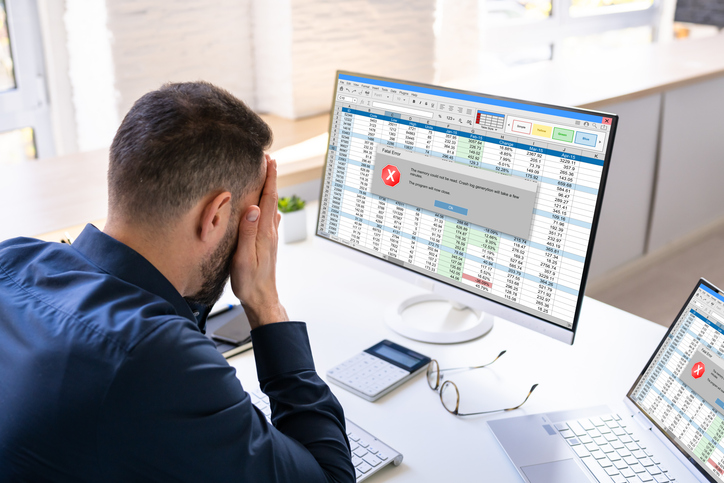
A budgeting spreadsheet off the internet. A spreadsheet is not a document, it is a program. The macro that makes a "smart" template total itself and color its own cells is the same feature that lets a file read your other files, send data out, or quietly install something. Office now blocks macros in downloaded files by default, which helps, but the block is one right-click away, and someone determined to make the clever template work will make it. Anyone can build a hostile spreadsheet, name it "Ultimate Budget Planner 2026", and post it for free download; it looks identical to a helpful one, and once you enable the macros to make it work, the damage is done before you have seen a single number.
Where Does My Money Go does neither. It runs in your browser, so there is nothing to download and nothing that can carry a macro. We never ask for your banking credentials, and there is no third party between you and your bank. We only ever hold the financial data you choose to send us: a transaction file you export yourself, that you can delete whenever you like. Payments run through Stripe, which is PCI DSS compliant and handles card details so that we never hold your card number either.
It is not that our security is cleverer than everyone else's. It is that we deliberately built the product so there is almost nothing here to steal. The safest data is the data you were never asked for.
How Fintech Apps Protect Your Data
Fintech security in practice comes down to a few boring habits done consistently: encrypting data in transit and at rest, never storing your full card number, and using read-only connections to your bank wherever possible. The way to protect your data isn't to avoid fintech apps altogether, it's to check for these basics before you hand over any details: does the app explain what it stores, can you revoke access easily, and does it need your banking password at all, or just read-only permission.
The One Question
Whenever someone asks for a financial detail, run it through the same check before you answer. Do they genuinely need this, or is it for their convenience? Did they contact you, or you them? How hard are they pushing? And the one that settles it: would you hand them your physical card?
The prize draw you never entered and the long-lost relative who needs a fee to release a fortune are the crude end of this. The polite text from the doctor's office is the sophisticated end. The question that stops both is the same one, and your bank has already answered it for you: that number was only ever meant for you.
Common Questions
Is it safe to give a budgeting app my bank login?
No. It hands your credentials, and usually a third-party data company sitting behind the app, ongoing access to your account. A tool that works from a file you upload yourself never needs your login at all.
How does Where Does My Money Go keep my financial data safe?
Mostly by holding almost none of it. There is no bank login, no third party between you and your bank, and no card number on our servers, because payments run through Stripe. We store only the transaction file you choose to upload, and you can delete it at any time.
I have already given a company my card details. What should I do?
Watch the account, and if you are uneasy, ask your bank for a new card. A new number makes the old details worthless. From then on, run the physical-card test before you share anything.
Further Reading
 BlogThe Tax-Time Spreadsheet That Became This AppA founder story about turning a painful tax-time spreadsheet into a clearer way to understand cash flow.Read article
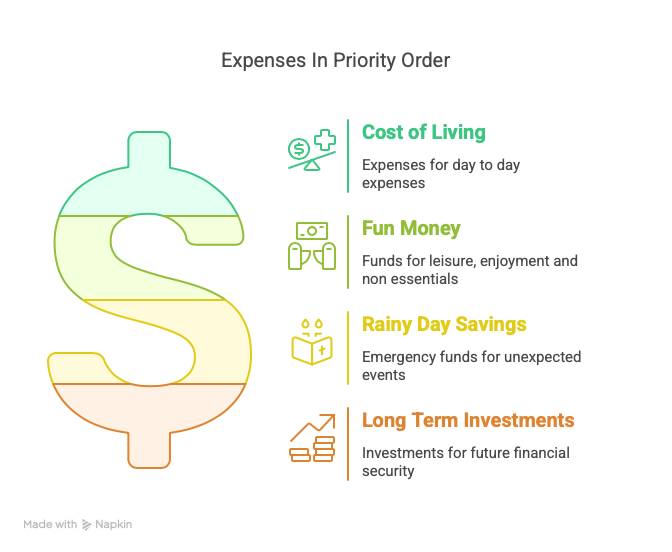 BlogHow to Manage Your Money with a Cash Flow ViewUnsure how to manage your money? Start with a plan for the life you want, then use a cash flow view to keep score.Read article
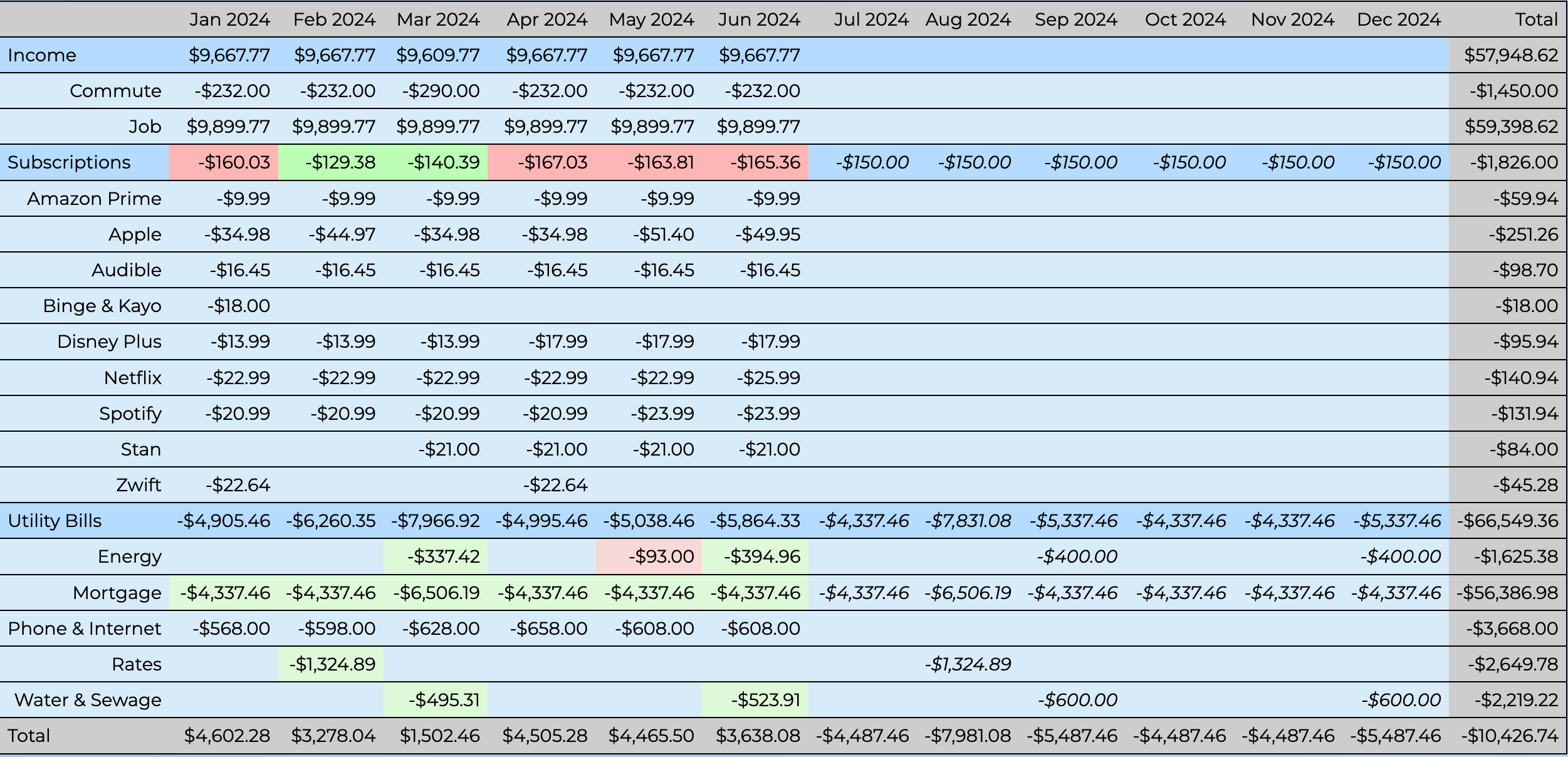 BlogBetter Money Management Using Cash Flow TablesWhat a cash flow table is, how to build one, and why it beats a cash flow spreadsheet for staying on top of your money.Read article
Disclaimer: We are not financial advisers. The information on this website is general in nature and does not take into account your individual circumstances. You should seek independent professional advice before making financial decisions.